

If you need to update the payment method for an active subscription, you can do so directly from your account.
Start by going to the Manage > Subscriptions. From there, click Manage Subscriptions to open your billing portal.
On this page, you’ll see a list of your active subscriptions along with details like pricing and the current payment method on file. Locate the subscription you want to update, then click the pencil icon next to the listed payment method.
This will open a payment method window where you can either select an existing card or add a new one. Once you’ve made your changes, click Update to save.
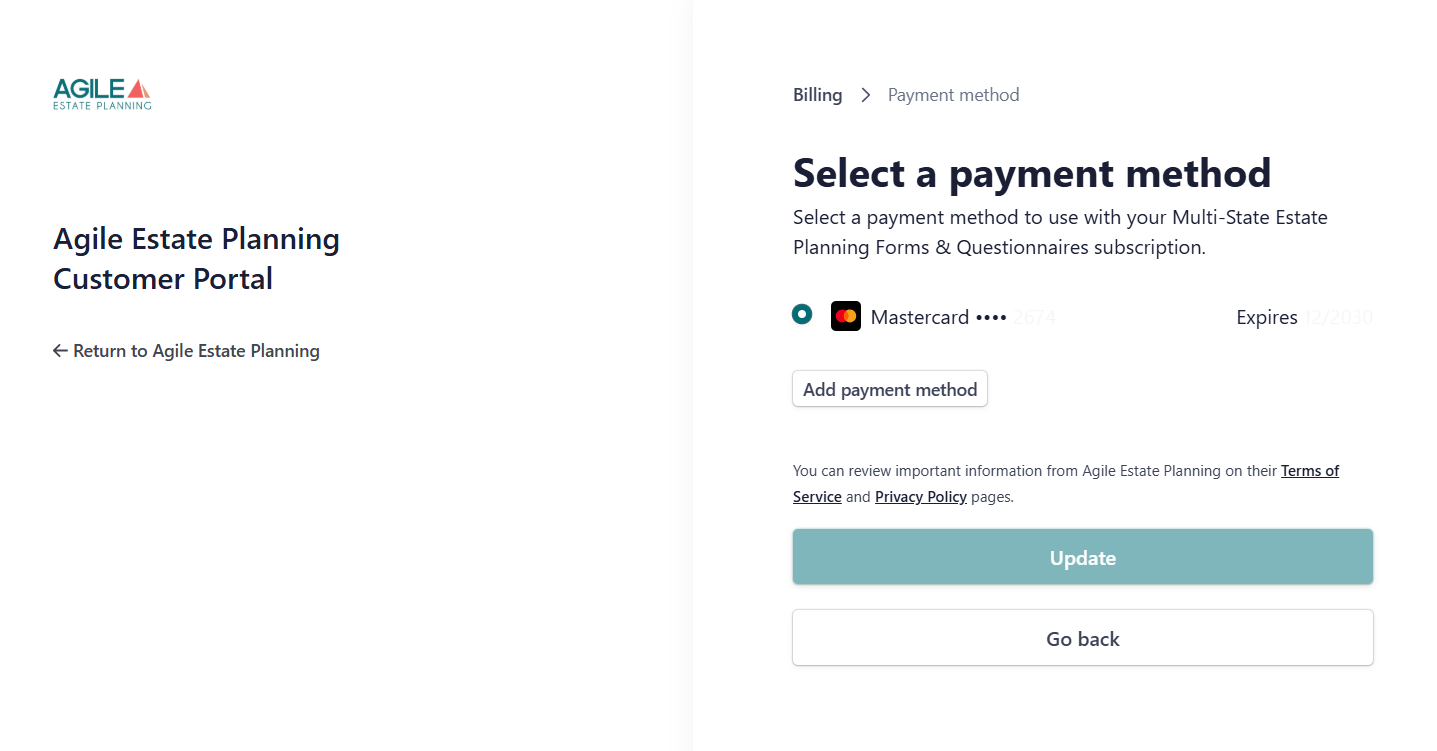
Your updated payment method will be used for all future billing on that subscription.
If you’re unable to access your billing settings or run into any issues, please contact support and we can send you a direct link to update your payment method.